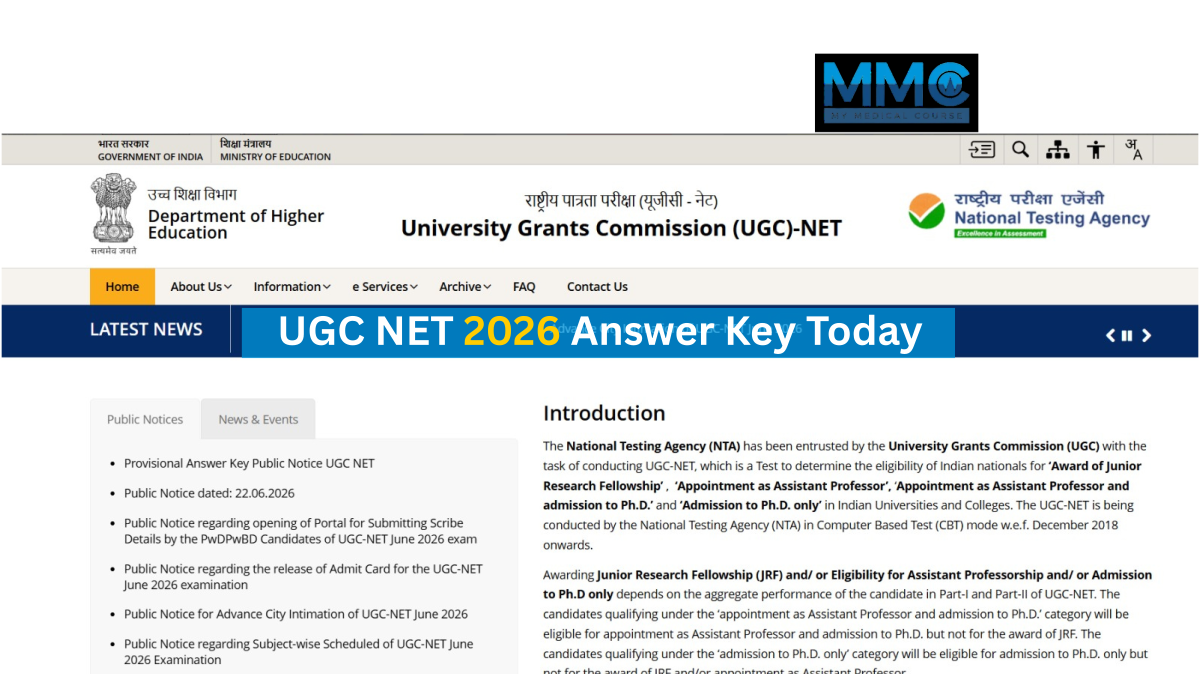
UGC NET 2026 Answer Key Today: June Session Response Sheet Expected Anytime at ugcnet.nta.nic.in
The National Testing Agency (NTA) is expected to release the UGC NET 2026 provisional answer key for the June session anytime today at ugcnet.nta.nic.in. The UGC NET exam was conducted from June 22 to June 30 and on July 5, 2026, across 87 subjects. Candidates can check this page for the latest live updates on the UGC NET provisional answer key 2026.
The National Testing Agency (NTA) is likely to release the UGC NET 2026 provisional answer key for the June session anytime today at ugcnet.nta.nic.in. Along with the answer key, NTA will open the answer key challenge window, allowing candidates to raise objections against any discrepancies.
The objections submitted by candidates will be reviewed by subject matter experts. Based on their recommendations, NTA will release the UGC NET final answer key 2026, followed by the result. The UGC NET exam was conducted from June 22 to June 30 and on July 5, 2026.
Check this page for the latest live updates on the UGC NET 2026 answer key, including the download link, steps to check the answer key, objection process and more.
How to Download the UGC NET 2026 June Answer Key
Scroll down to find the steps to download the UGC NET June 2026 provisional answer key
-
Visit the official website at ugcnet.nta.nic.in.
-
Click on the UGC NET 2026 Answer Key link available on the homepage.
-
Choose one of the login options: Application Number and Password or Application Number and Date of Birth.
-
Enter your Application Number, Date of Birth/Password, and Security Pin displayed on the screen.
-
Click on the Sign In button.
-
The UGC NET provisional answer key, response sheet, and question paper will appear on the screen.
-
Download and save the documents for future reference.
Details Mentioned on the UGC NET 2026 Answer Key
The UGC NET 2026 answer key provides the correct answers to all questions asked in the examination. It also includes important details such as:
-
Exam date
-
Exam shift
-
Exam subject name and code
-
Question ID
-
Correct option ID